Booking page look
Your booking page's look
Who can do this: Owner, Admin
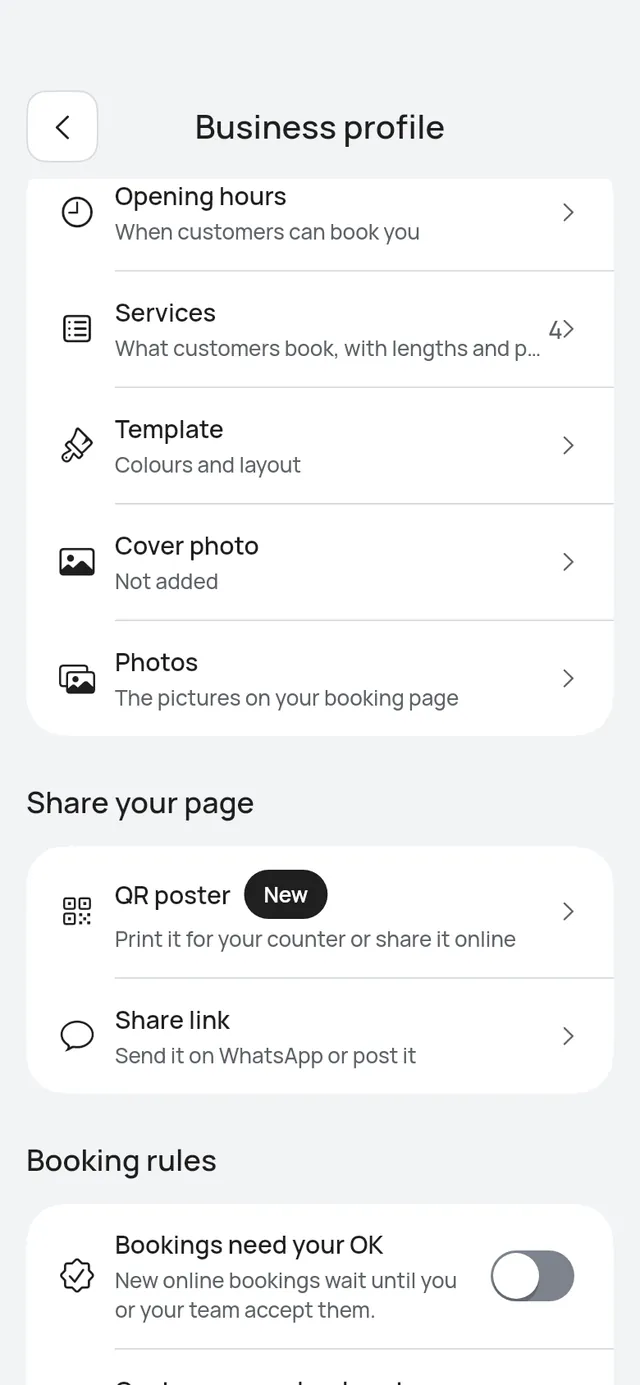
Your booking page looks the same as before until you choose another look. Everything here is in More → Business profile, in the Booking page card’s rows:
- Template: your page’s colours and layout. See Template.
- Cover photo: a wide photo for the top of your page. See Cover photo and photos.
- Photos: the pictures on your page, when your business has one branch. See Cover photo and photos.
Under Services, Service groups puts your services under headings. See Service groups.
- Template: Choose your booking page's colours, layout and cover photo, see a preview as you pick, use it and undo.
- Cover photo and photos: Add a wide cover photo for the Hero cover layout, and the photos on your page.
- Service groups: Put your services under headings, such as Hair, Colour and Nails.