Service groups
Who can do this: Owner, Admin
Groups put your services under headings on your booking page. The Tabs and Category grid layouts show them, and need two or more.
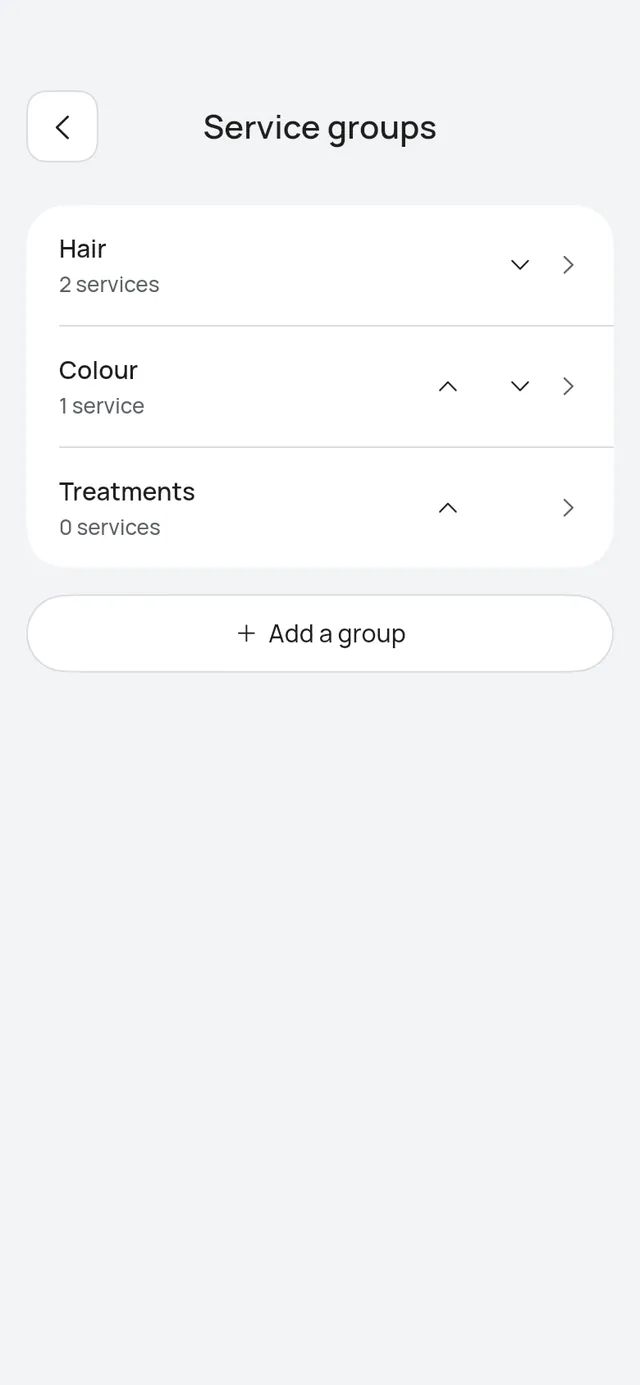
Open More → Business profile → Services. Under your services, Service groups says how many you have, or No groups yet. Tap it.
- Add a group: type the Group name and tap Save. The group opens so you can tick its services. A name you already use says You already have a group with this name.
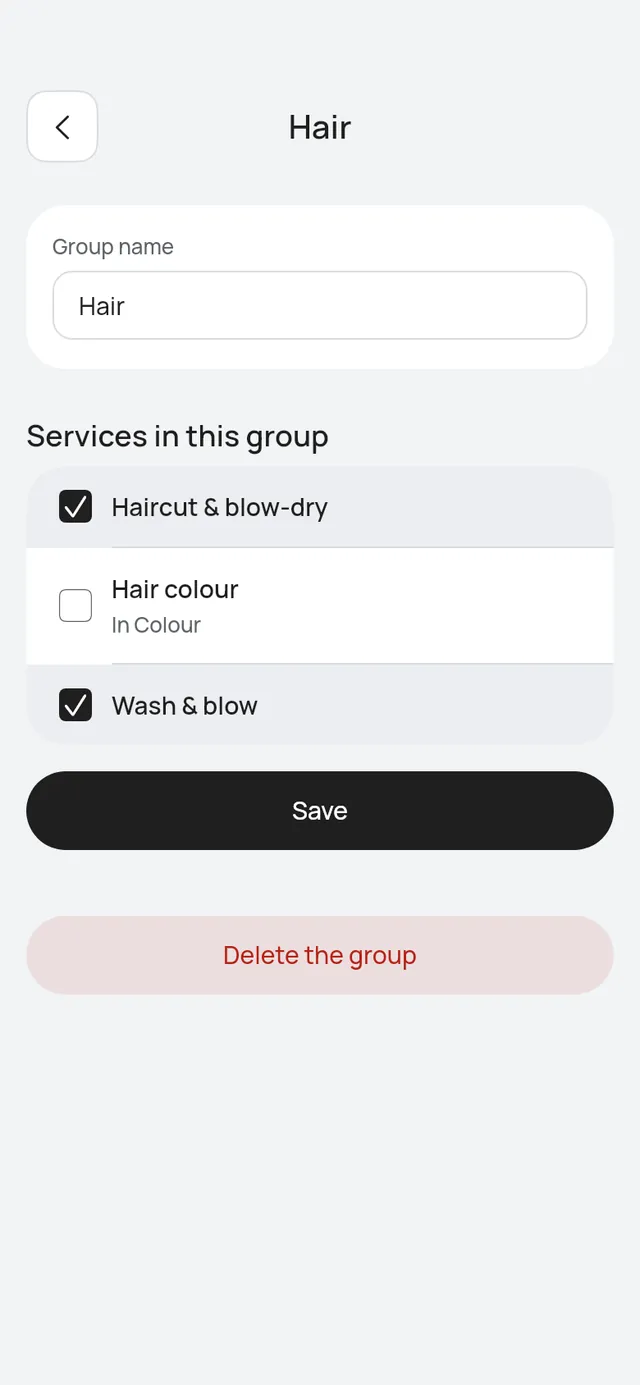
- Tap a group to change it. Tick its services under Services in this group and tap Save. A service in another group shows that group’s name, such as In Colour. Ticking it moves it here.
- Change the Group name and tap Save to rename it.
- The arrows beside a group move it up or down. Your page shows the groups in this order.
- Delete the group asks first. Its services stay on your booking page, without a group. Tap Delete, or Keep it.