Start bookings early (Start now)
Who can do this: Owner, Admin, Staff
When a customer comes in early and the person (or the court) is free, you can start the booking now.
Turn it on
Start bookings early is off until an owner or admin turns it on.
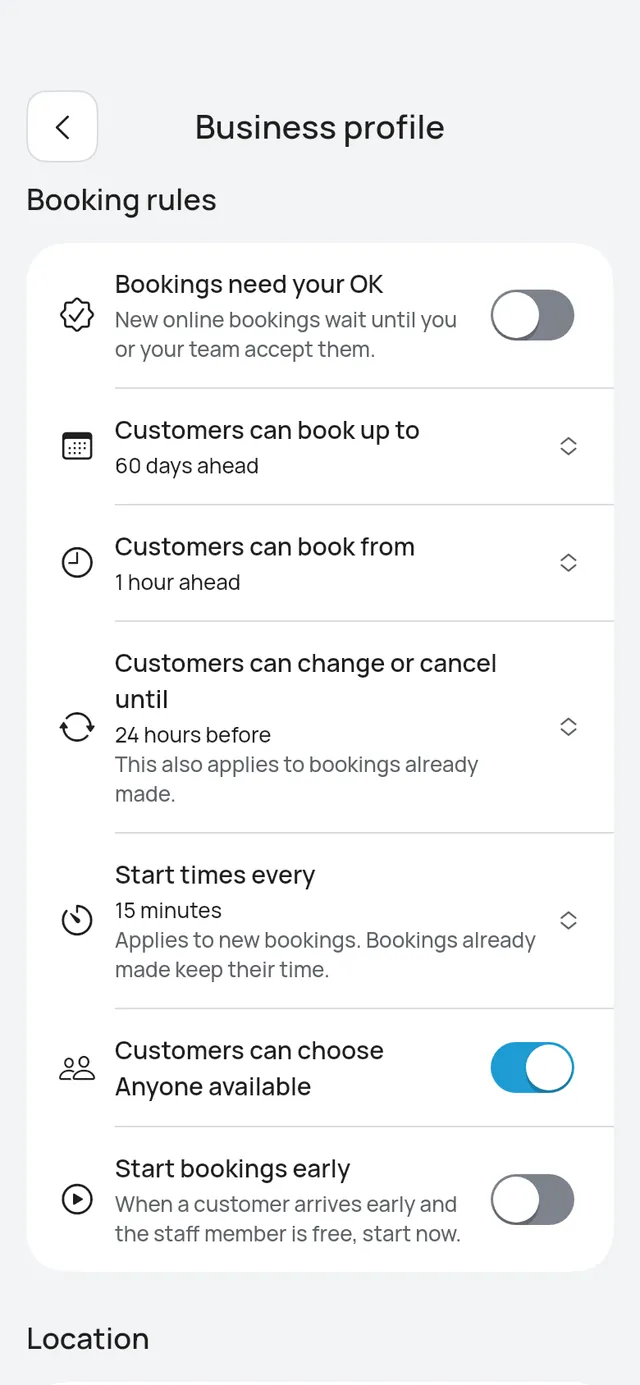
- Open More → Business profile.
- Under Booking rules, switch on Start bookings early.
What you see on a booking later today
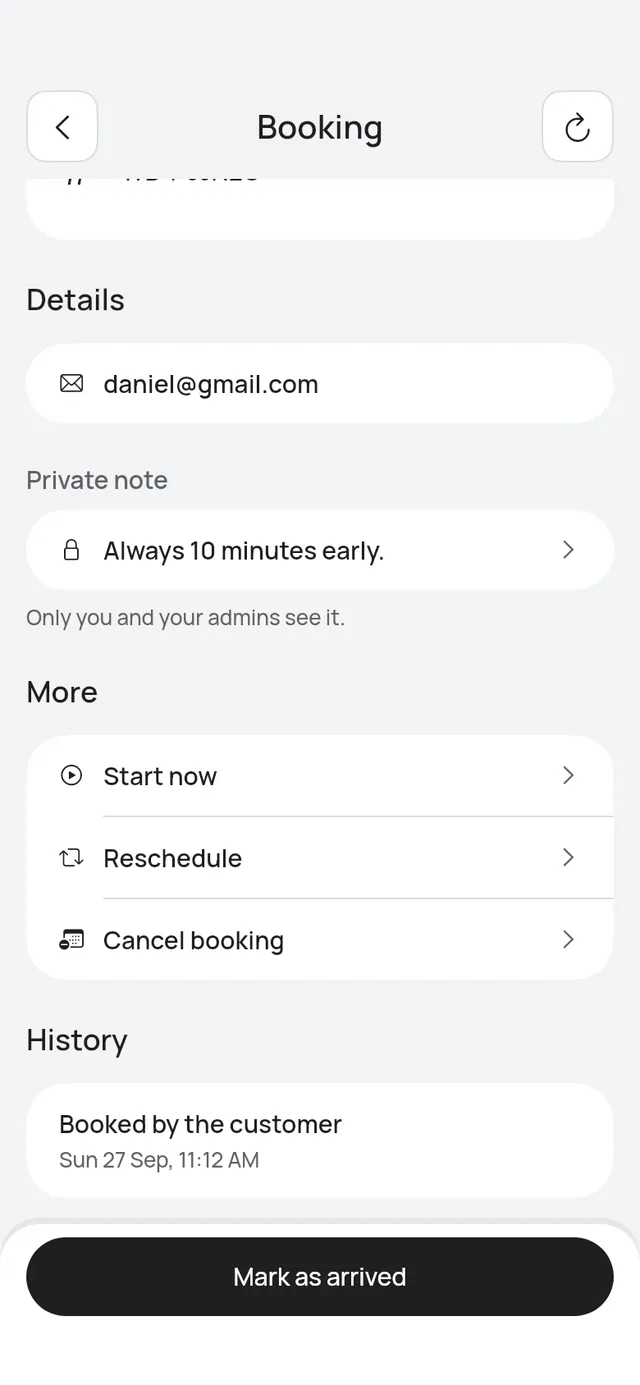
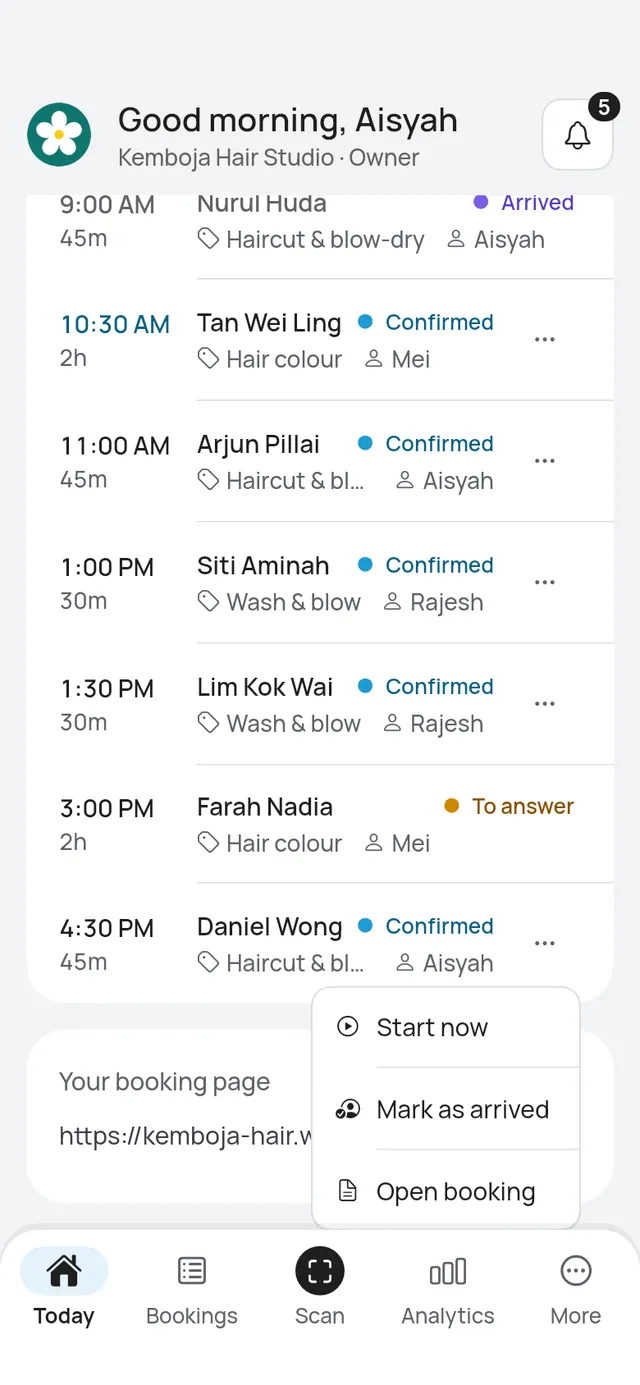
With Start bookings early on, a confirmed booking later today shows Mark as arrived as the main button, even hours before it starts. Start now is under More on the booking. You see these instead of Check-in opens at.
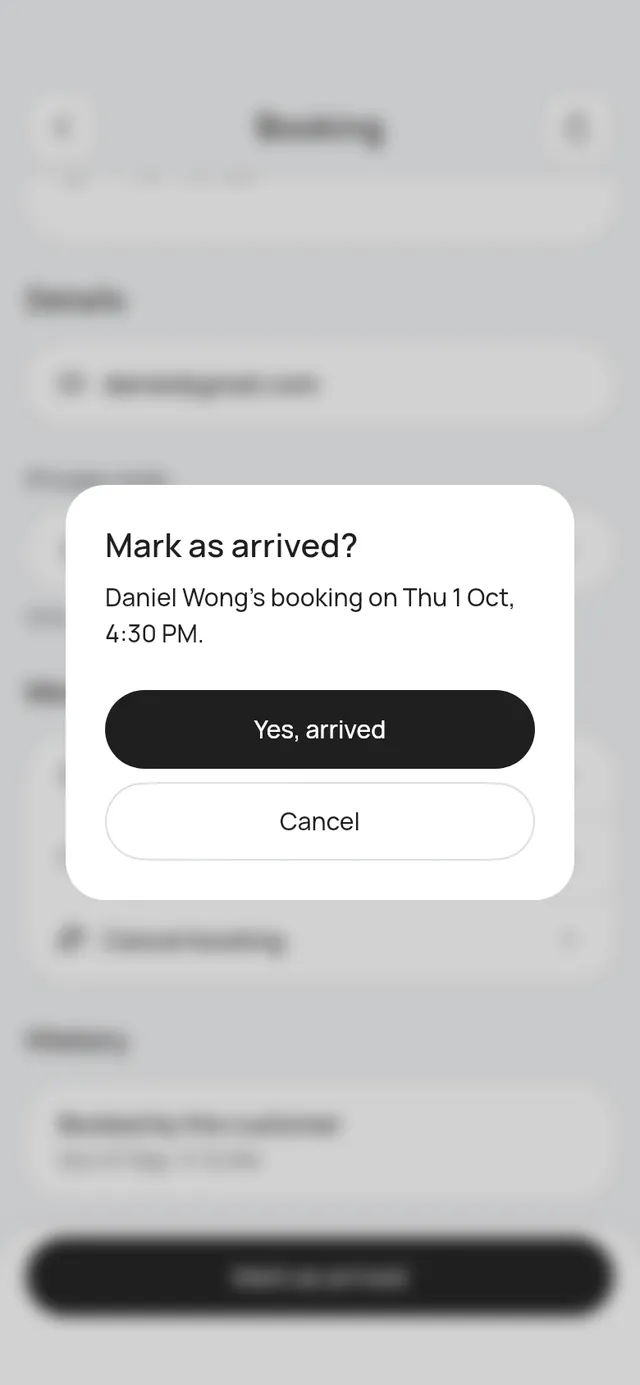
- Tap Mark as arrived when the customer is in but will wait for their time. The booking keeps its time.
- Tap Start now when the person or court is free and you want to start the booking now.
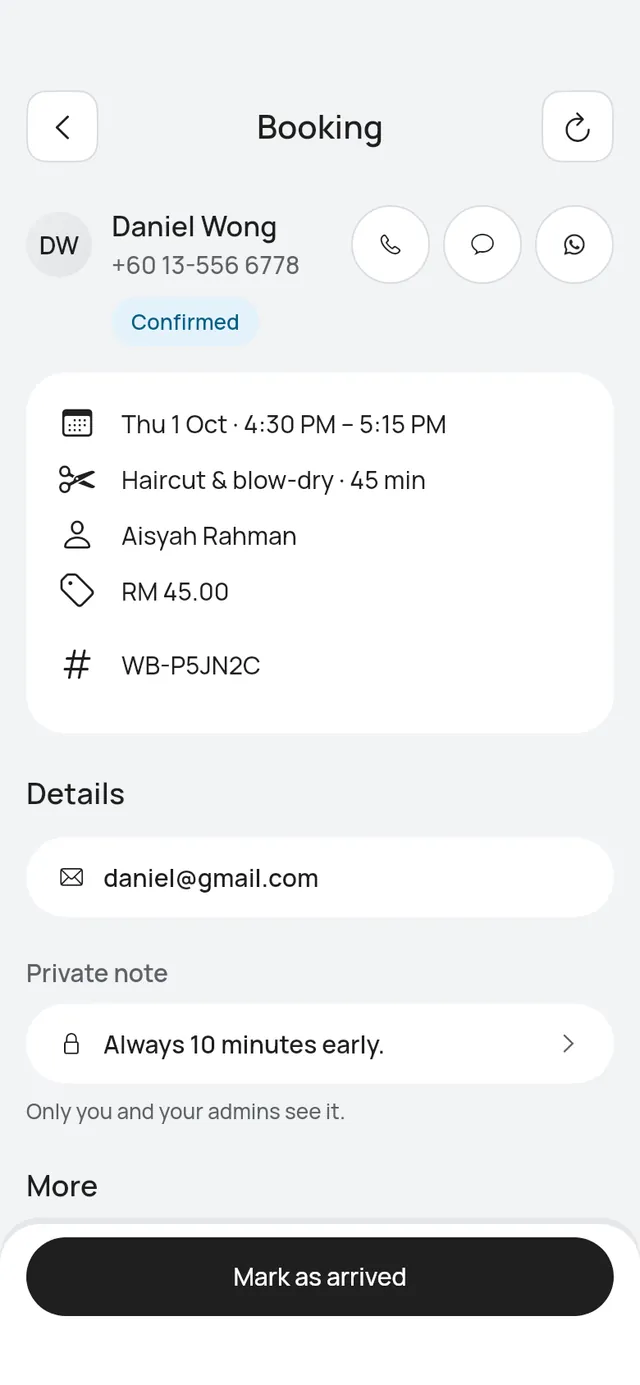
Check-in opens at the start of the booking’s day, or 2 hours before the booking, whichever is earlier. A booking on a later day still shows Check-in opens at and the time.
With Start bookings early off, nothing changes: Mark as arrived shows from 2 hours before the start. See Arrived and Done.
Start a booking now
Start now shows on a confirmed booking that starts later today and whose customer has not arrived.
- Open the booking, scroll to More and tap Start now. On Today or in the list, you can also tap … on the row and choose Start now.
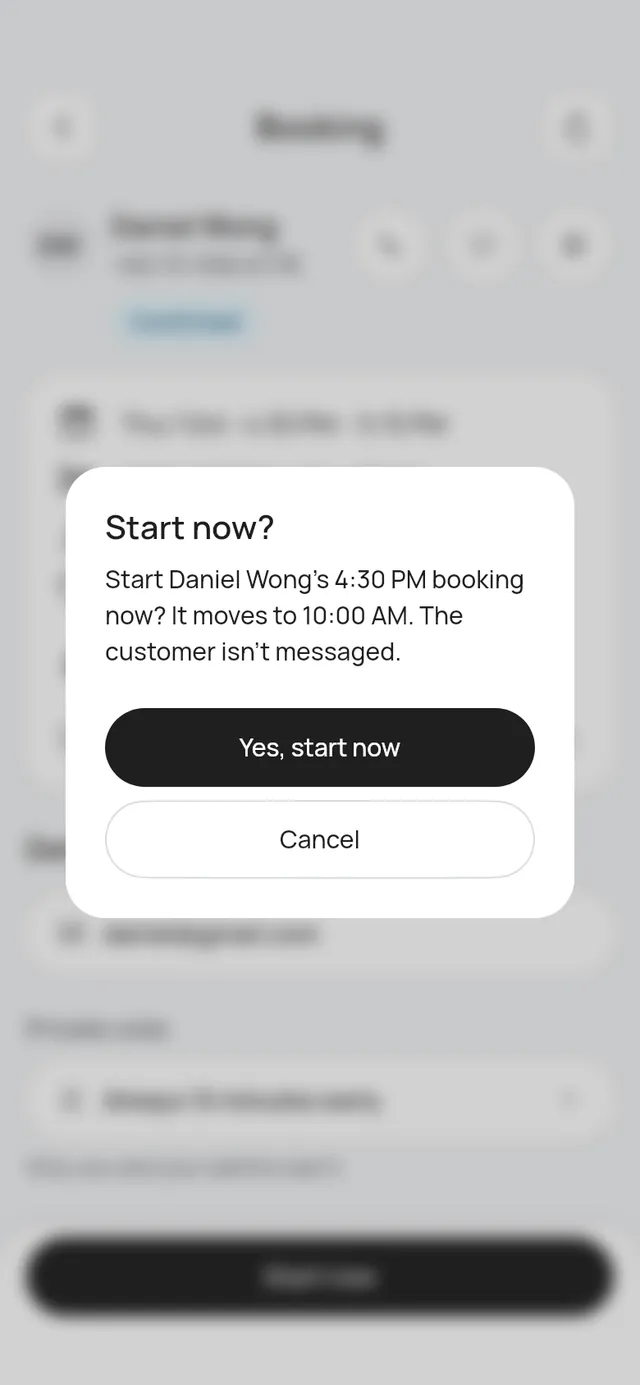
- The app asks, for example: “Start Daniel Wong’s 4:30 PM booking now? It moves to 10:00 AM. The customer isn’t messaged.”
- Tap Yes, start now.
The app says Booking started.
What changes
- The booking moves to start now. It keeps its length, price, person or court and branch.
- It is marked Arrived.
- The later time is free again for someone else.
- Reminders for the old time are not sent.
- The customer is not messaged.
- Activity shows that the booking started early.
When it is refused
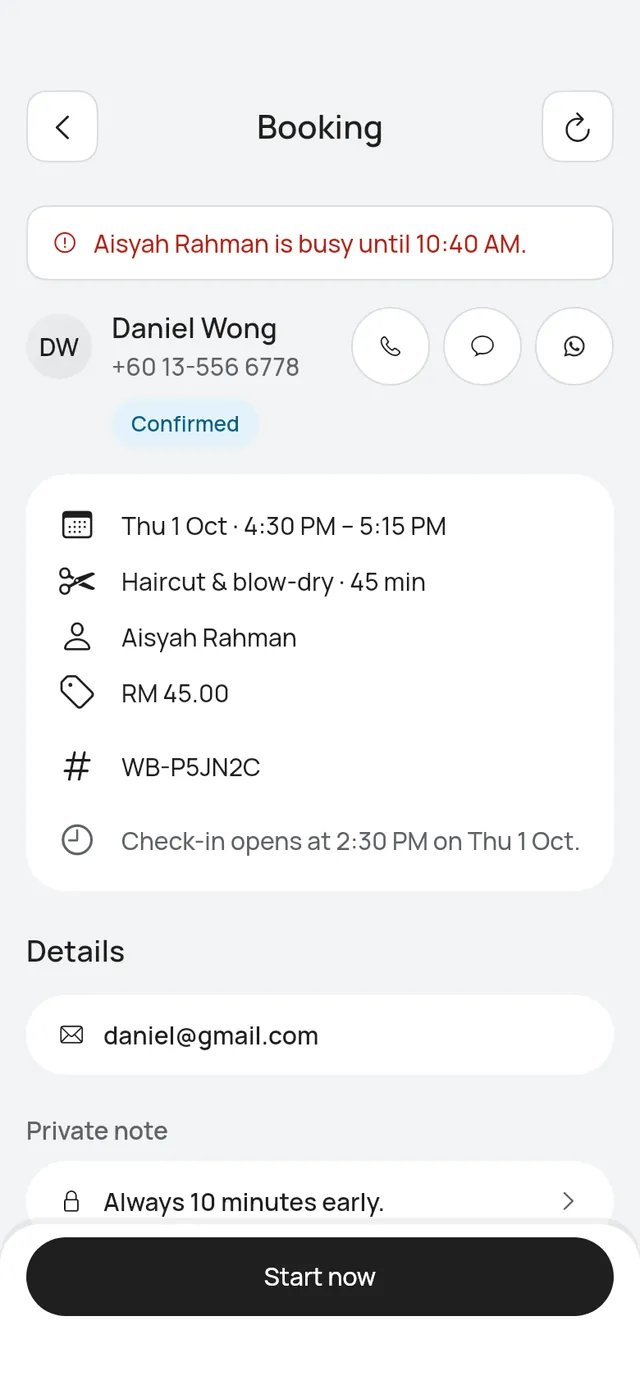
The person or court must be free from now until the new end. Their own bookings, time off, closures and times other customers are holding all count. If they are busy, the app says who and until when, for example Aisyah Rahman is busy until 10:40 AM.
A branch that isn’t taking bookings also refuses to start one early.
Table bookings
A table booking starts now as any booking does, and its main button says Seat in place of Mark as arrived. If tables are also held for a large party, they move with it, and the app says so, for example “T5 and T6 move with it.” The booking starts now only when the held tables are free too. A walk-in is seated already, so it has no Start now.