Branches
Branches
Who can do this: Owner, Admin
A branch is a place where customers can book you. Every business starts with one branch: your business itself. Add a second one when you open another place.
A business with one branch sees no branch names anywhere in the app. Everything below shows only once you have two or more.
Open Branches
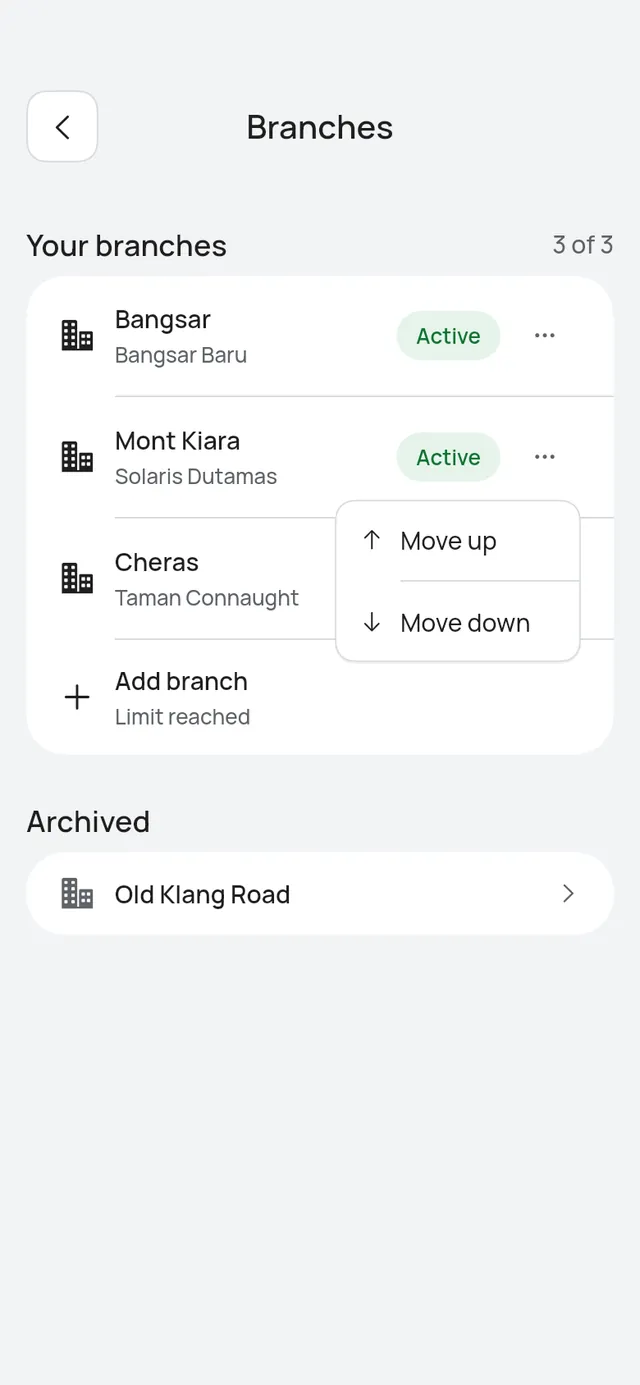
Open More → Branches. The list shows Your branches, each with its area and Active or Paused. The count at the top, for example 3 of 20, says how many you have and how many you can have.
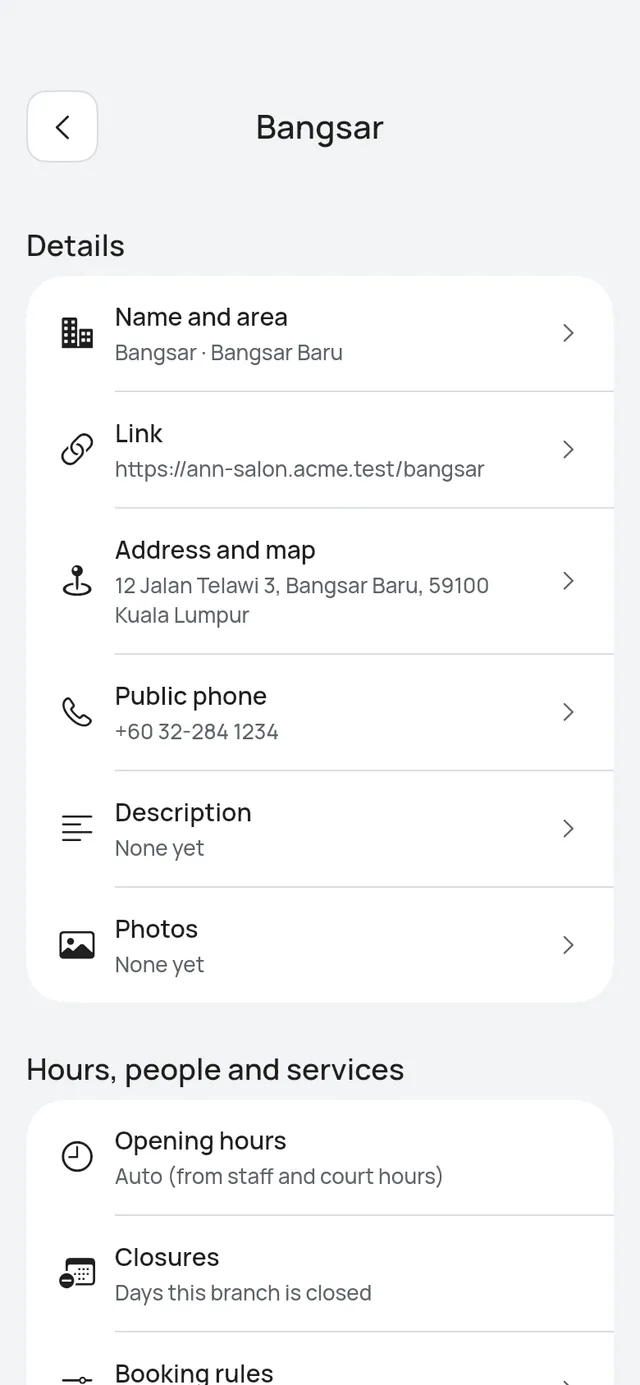
- Tap a branch to open its settings.
- Tap … on a row and choose Move up or Move down to change the order. Your booking page lists the branches in this order.
- Tap Add branch to add one. At your plan’s limit, the app tells you first, for example Free plan: 1 branch. See Plan limits.
- An archived branch sits under Archived at the end.
- A branch your plan keeps from online booking shows Not bookable online on Free. See Plan limits.
Choose a branch at the top
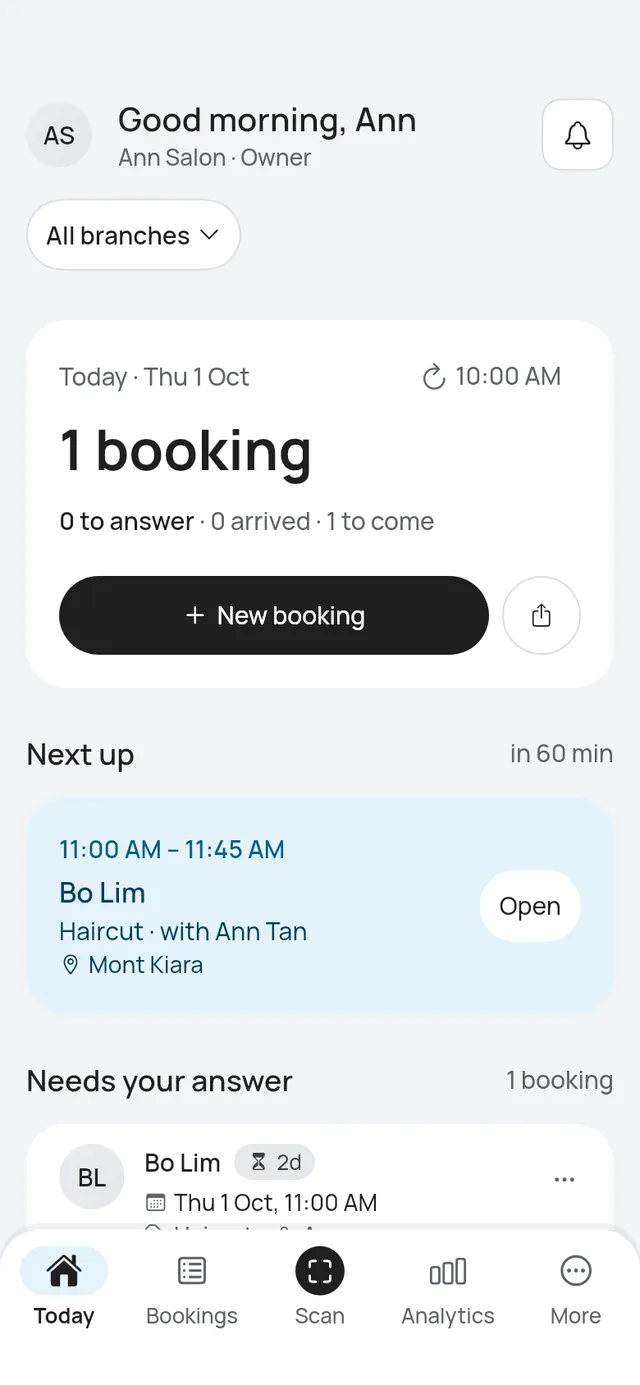
With two or more branches, Today, Bookings and Analytics have a branch picker under the title. It starts on All branches.
- Choose a branch to see only its bookings and figures.
- Choose All branches to see everything. Each booking then names its branch, for example on Next up.
The app remembers your choice on this phone. Search, a customer’s bookings, Activity and Scan always cover every branch.
Staff see no picker. They see their own bookings at every branch, each with the branch name.
What customers see
- Your booking page lists your active branches, and customers choose one before they book.
- Every message to a customer names the branch, for example “Glow Studio - Bangsar”, with that branch’s address.
- Owner emails and push notifications name the branch.
- Find my booking lists a customer’s bookings at every branch.
- To change branch, a customer cancels and books again. You can move a booking to another branch for them. See Bookings across branches.
Pause, archive and restore
On a branch’s settings, at the end:
- Pause bookings stops new online bookings at that branch. Bookings already made stay, and customers can still change or cancel them. You can still add bookings in the app.
- Resume bookings opens it again.
- Archive takes a paused branch off your booking page. Nothing is deleted. Pause the branch first.
- Restore brings an archived branch back, paused.
Your only open branch has no Pause bookings: at least one branch stays open while your booking page is live, and the app says so in its place.
The app asks before each one.
- Add a branch: Add your second branch, or another one, in a few steps.
- Hours, people and prices: Each branch's opening hours, closures, booking rules, staff, services, prices and courts.
- Bookings across branches: Book at a branch, move a booking to another branch, see busy times and Analytics by branch.