Business settings
Business settings
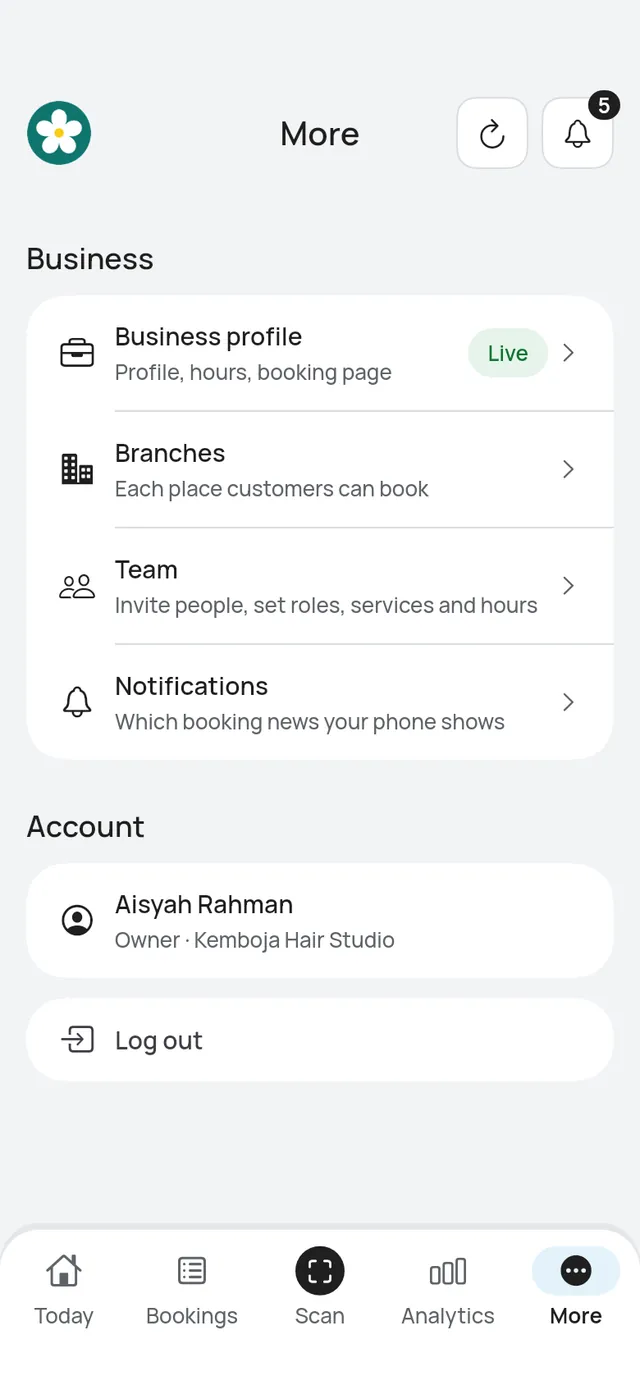
Open More → Business profile. Owners and admins see it. It shows Live or Not live yet for your booking page.
The page has your logo at the top, then Business info, Booking page, Opening hours, Share your page, Booking rules and Location. While your page isn’t live yet, Booking page comes first.
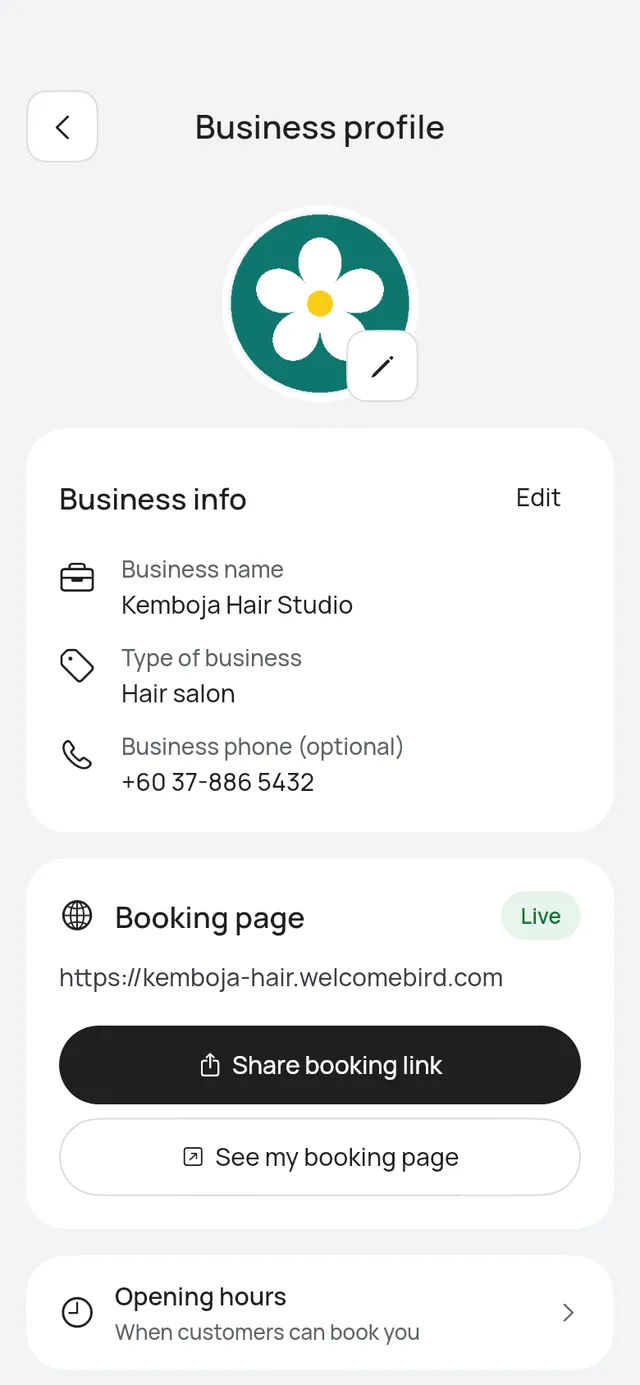
- Profile: Your business name, type, phone and logo, in the app or on the web.
- Booking page: Put your page live, share it, change its link and check how it looks.
- Booking rules: Who confirms bookings, how far ahead and how soon customers book, and until when they can change, in the app or on the web.
- Print your QR poster: A poster or table stand with your booking QR code, or an image to share online.
- Location: Your address and map pin on the booking page and in messages.