Clinics
Clinics
Who can do this: Owner, Admin
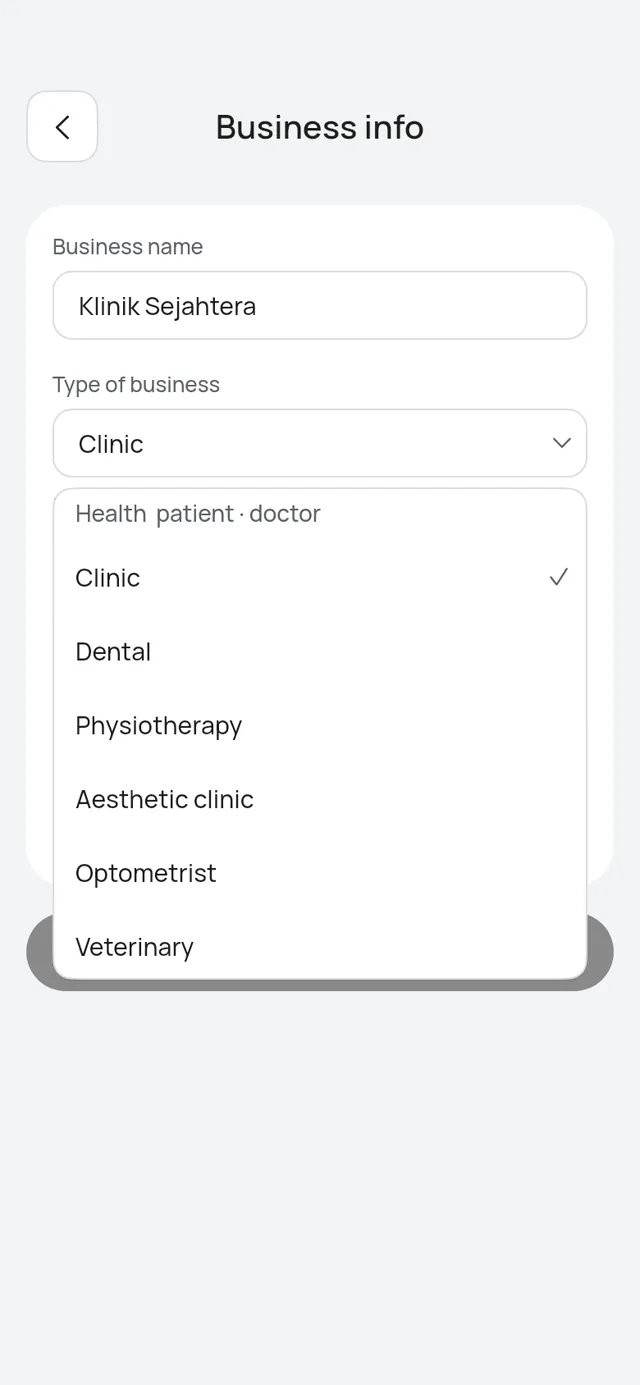
The Health group of business types uses its own words in the app and on your booking page. Choose the type in step 1 of the wizard, or in More → Business profile → Business info before your first booking.
The Health types and their words
| Type of business | Customers are called | Team members are called |
|---|---|---|
| Clinic | patients | doctors |
| Dental | patients | dentists |
| Physiotherapy | patients | physiotherapists |
| Aesthetic clinic | patients | doctors |
| Optometrist | patients | optometrists |
| Veterinary | patients | vets |
The type picker marks the group “Health · patient · doctor”, and the hint under the field names the words of the type you chose.
What changes
In the app:
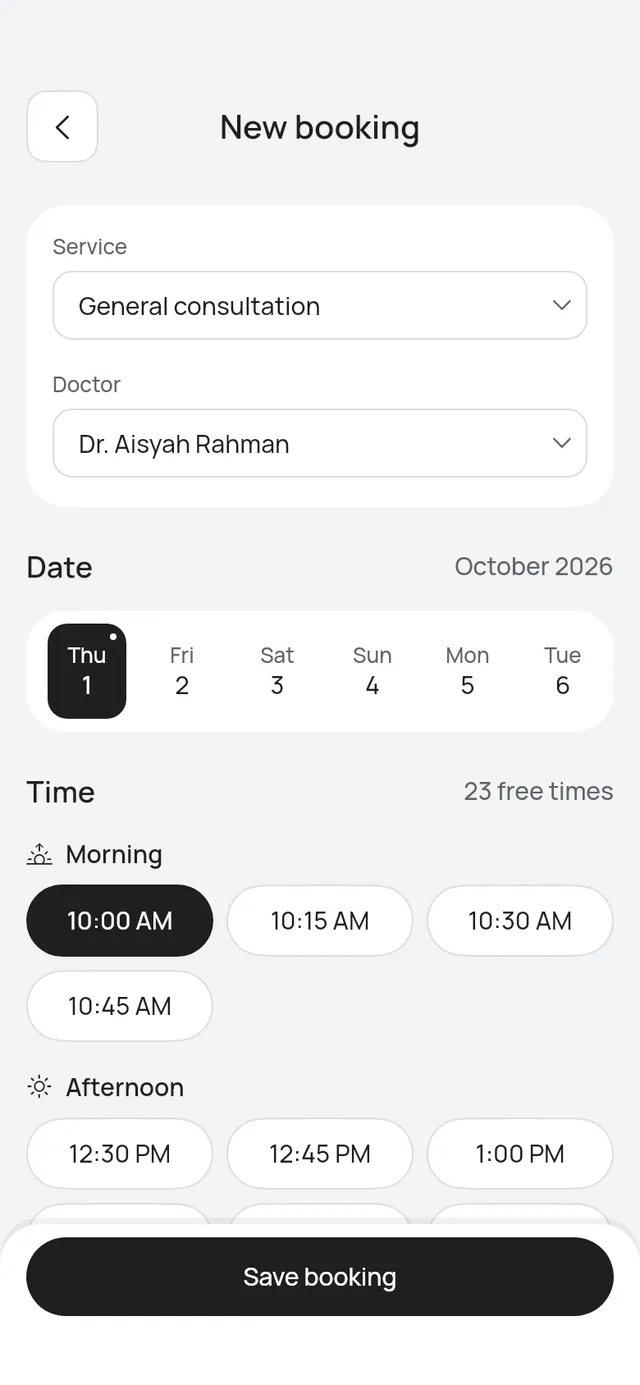
- New booking asks for the Patient’s name and the Doctor.
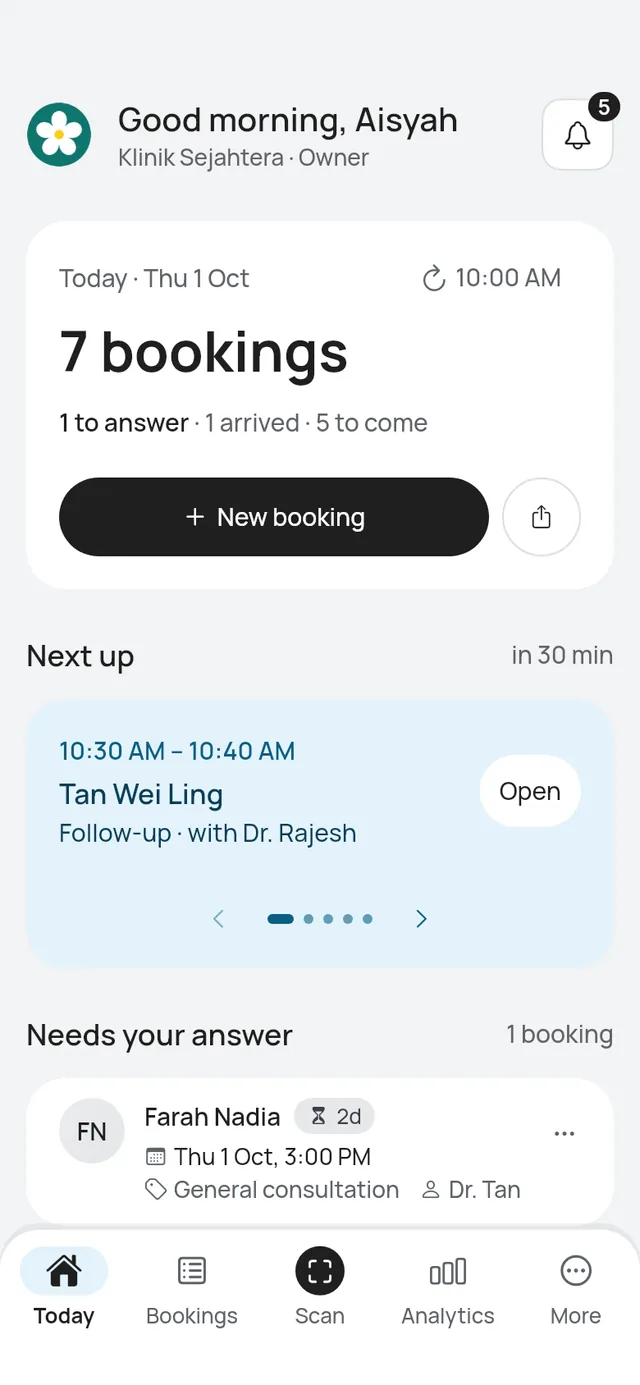
- Lists and the booking say patient, for example “Patient’s note”.
- Analytics shows By doctor, New patients and Returning patients.
On your booking page:
- Services are called consultations: Choose a consultation.
- Choose your doctor, or Any doctor available.
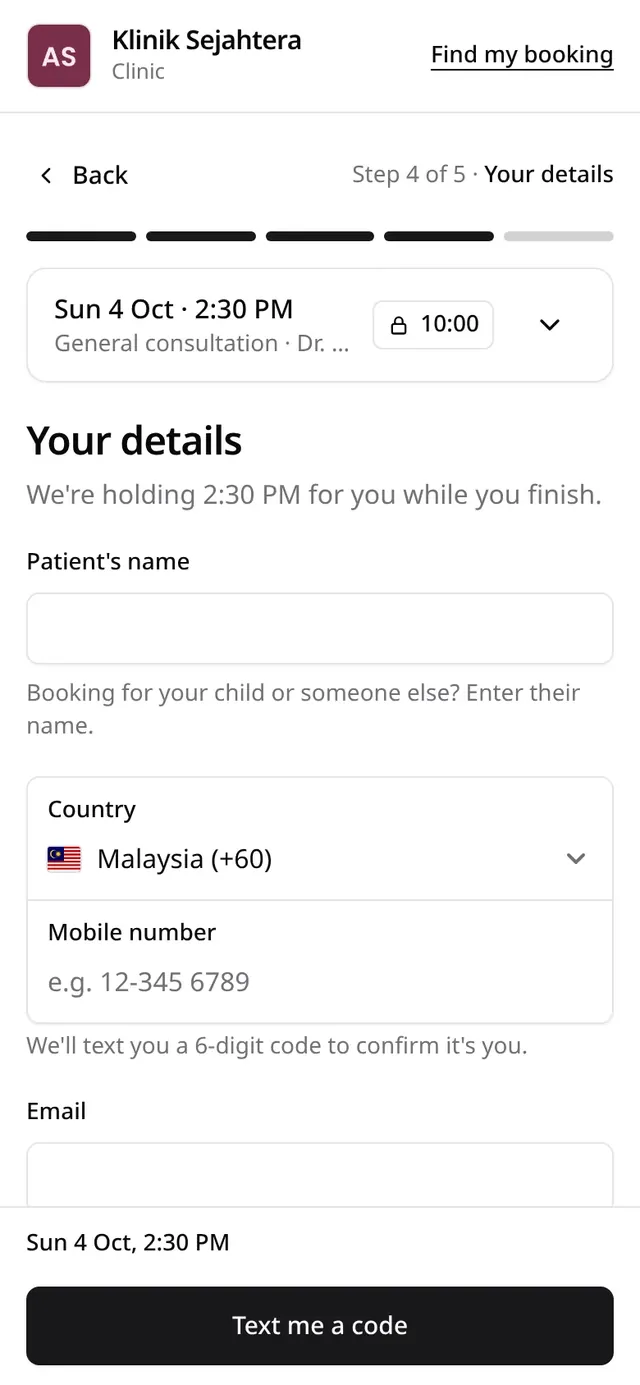
- The name field says Patient’s name, with “Booking for your child or someone else? Enter their name.” The phone stays the person who books.
- The note says it is for things like a medical certificate, and asks patients not to share medical details there.
Titles in names
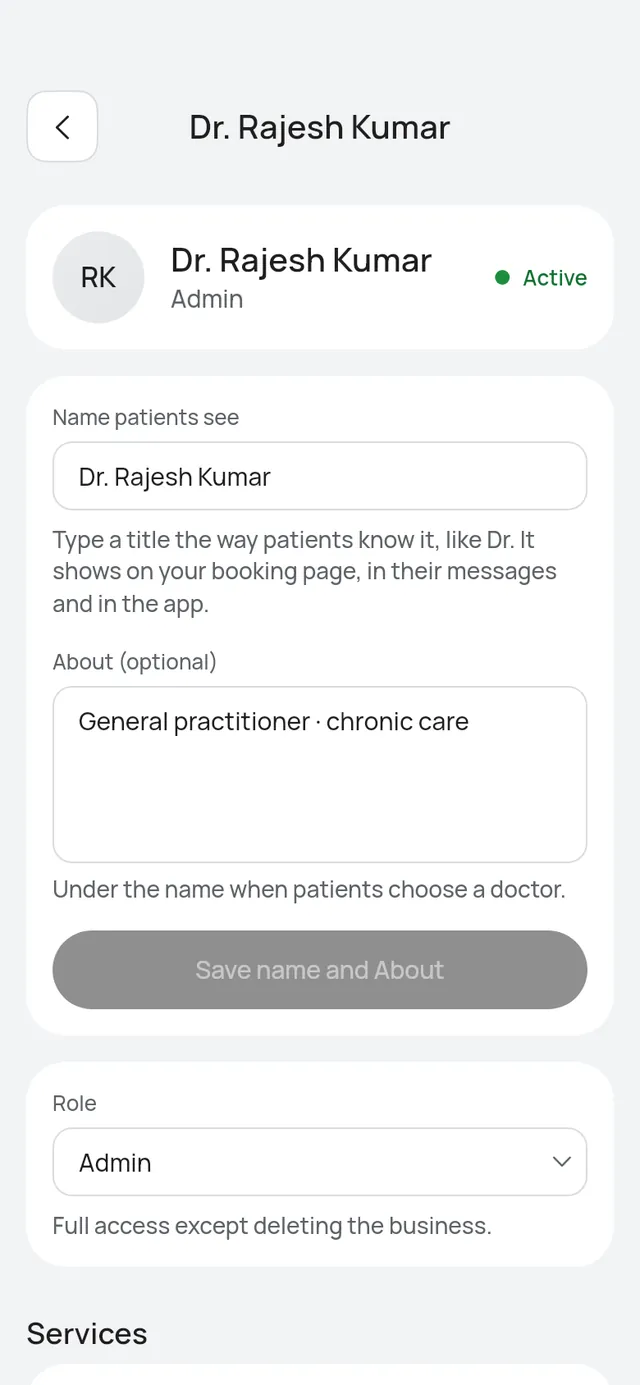
Type a doctor’s title into their name, for example “Dr. Aisyah Rahman”, in Name customers see on their page in Team. Initials skip the title: Dr. Aisyah Rahman shows as AR.