Find my booking
Who can do this: Your customers
A customer who lost their email can still find their booking.
- On your booking page, they tap Find my booking.
- They enter the phone number they booked with and tap Text me a code.
- They type the 6-digit code.
Your upcoming bookings lists their bookings at your business. They tap one to open it, then change or cancel it. Only bookings at your business are shown.
A booking of several services shows as its services, for example Haircut + Colour, with each one’s start, length and price under the time.
A table booking shows as Table for 4 with the day, the time and the tags. When they open it, they see how long the table is kept, the branch and the tags. The table itself is never named.
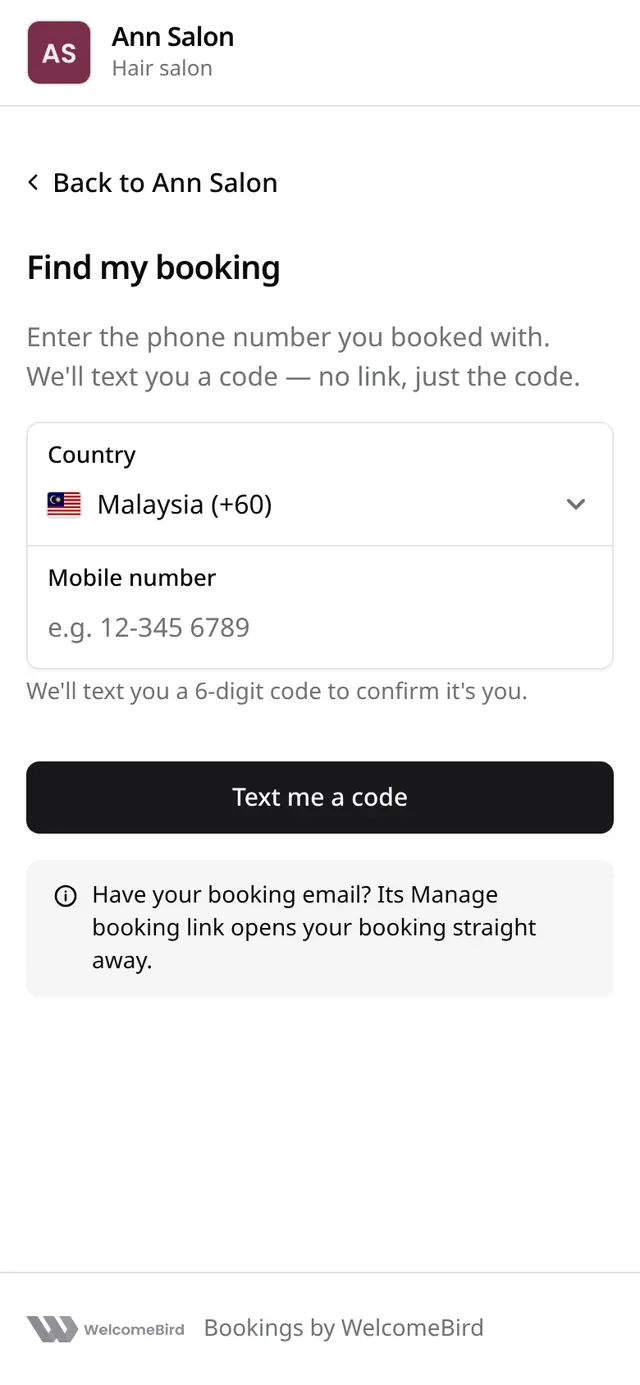
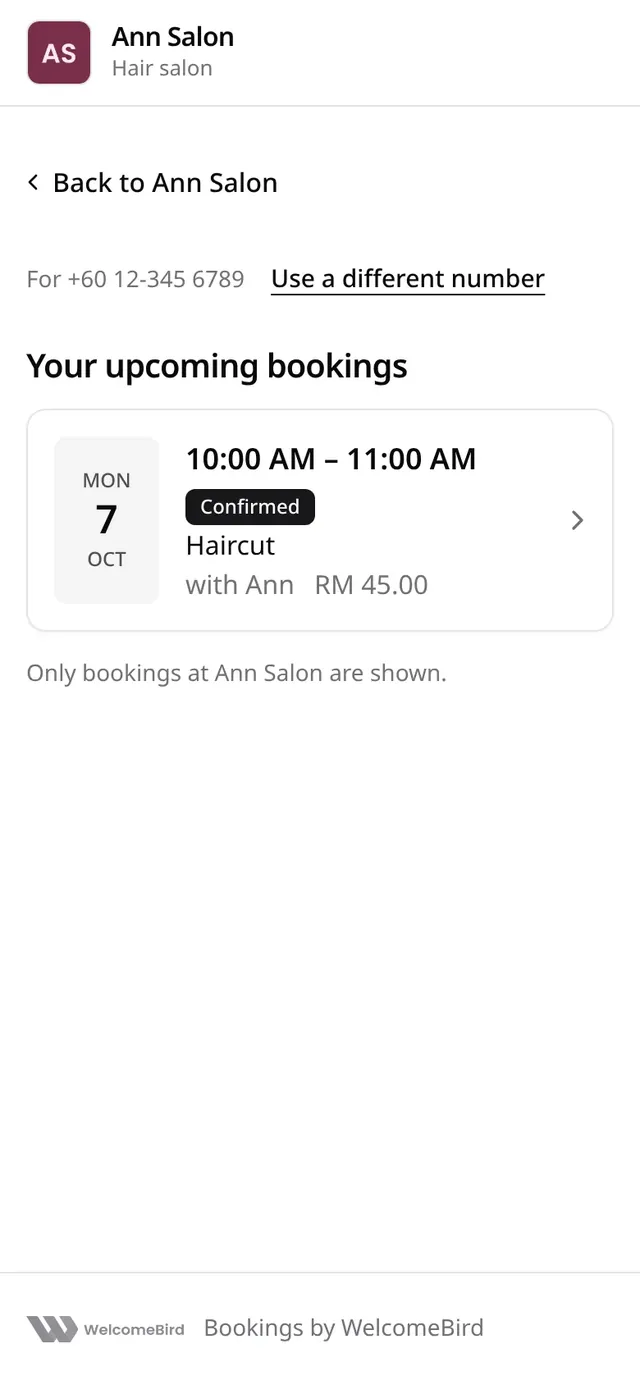
Text messages never carry a link. Each SMS ends by telling the customer to open your booking page and choose Find my booking.