Pause and remove a service
Who can do this: Owner, Admin
Pause bookings
- Open the service.
- Under Manage, tap Pause bookings.
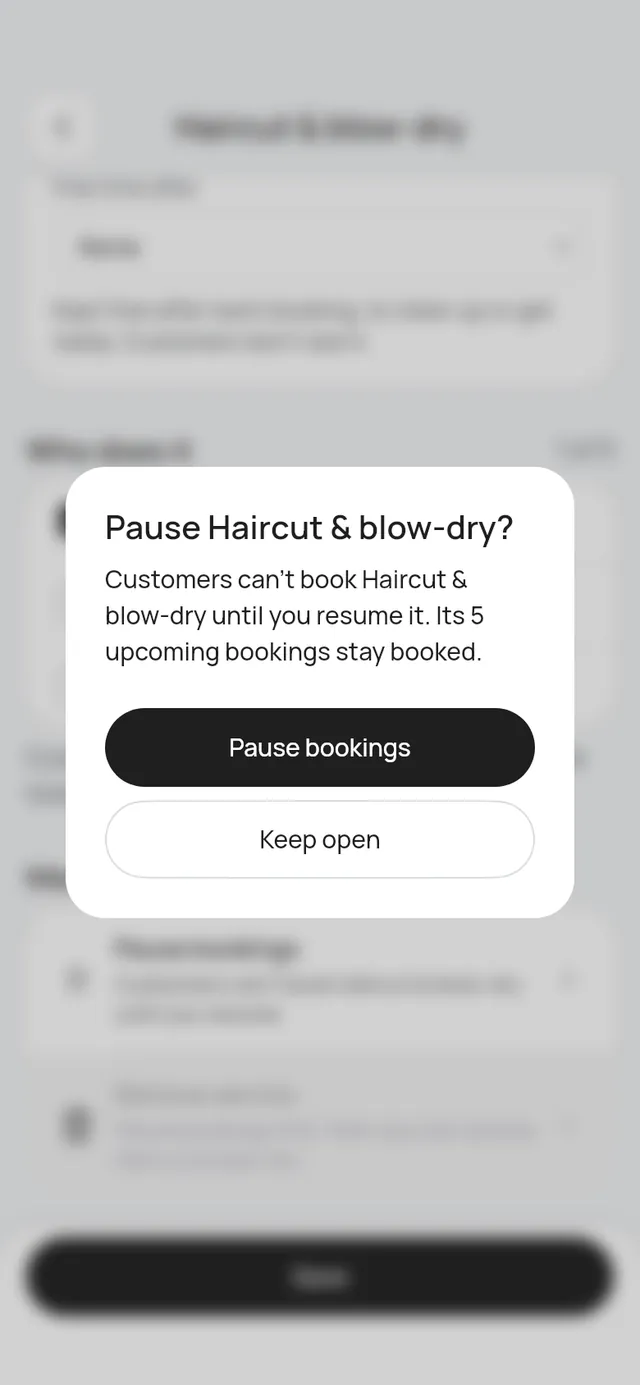
- The app says how many upcoming bookings it has. They stay booked. Tap Pause bookings.
The service shows Paused and is gone from the booking page. A paused service still counts toward your 200 services. To take bookings again, open it and tap Resume bookings.
Remove a service
You can remove a service once it is paused and has no upcoming bookings. A booking under way counts until it ends, and a waiting change request counts beside the booking it would move.
- Pause it first.
- Under Manage, tap Remove service.
- Tap Remove. You can’t undo this.
The service no longer counts toward your services. Past bookings keep its name.
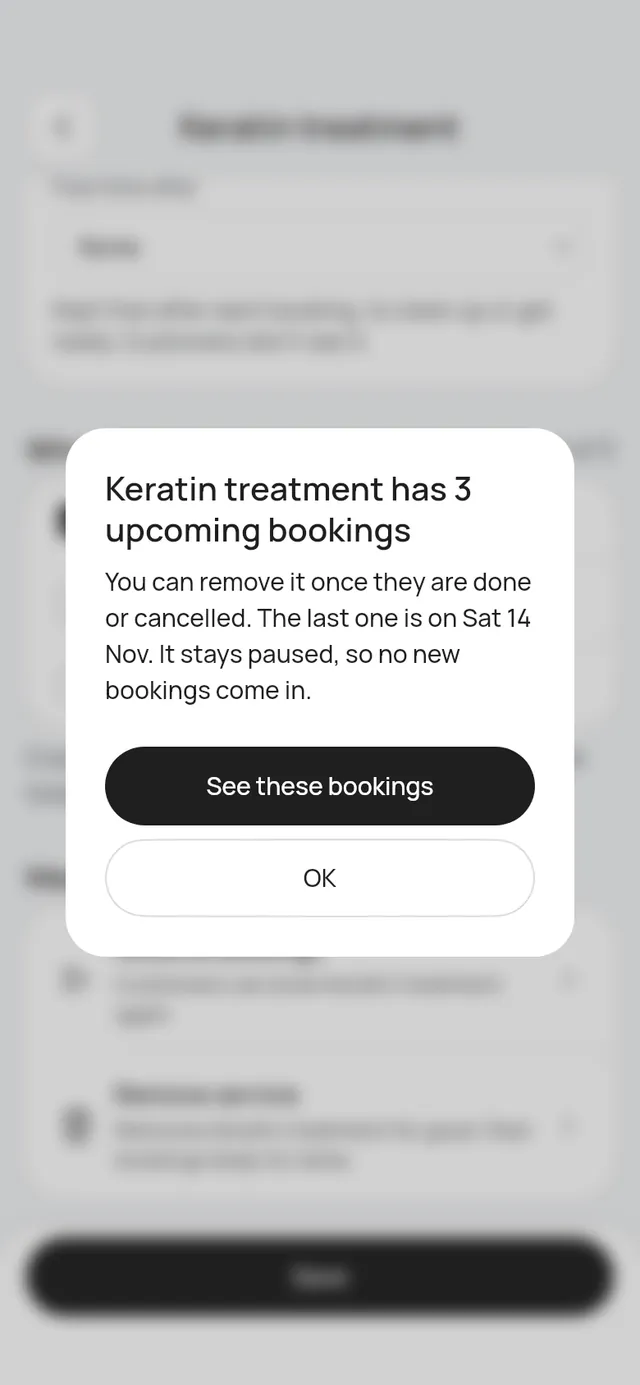
If it still has upcoming bookings, the app says how many and when the last one is. Tap See these bookings to see them. You can remove the service once they are done or cancelled. It stays paused, so no new bookings come in.