Add without login
Who can do this: Owner, Admin
Use this for someone who takes bookings but doesn’t use the app. You book for them. Nothing is sent to anyone.
- Open More → Team.
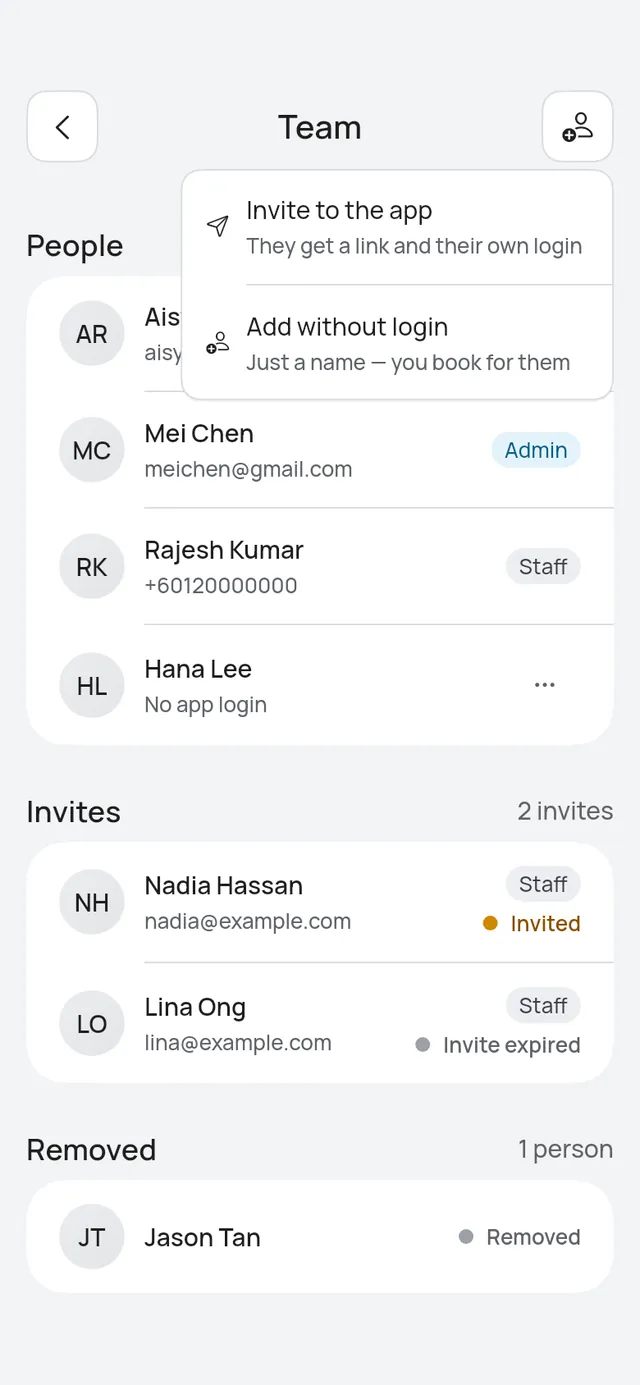
- Tap the add button at the top, then Add without login.
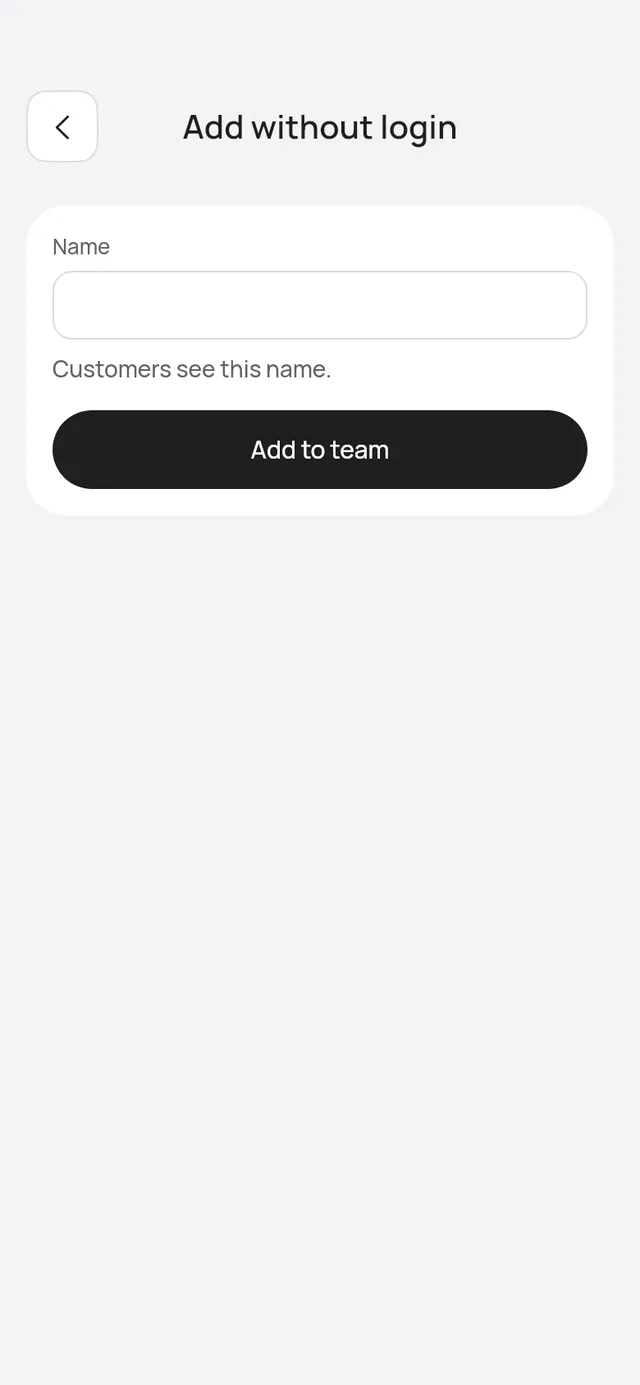
- Enter their Name. Customers see this name.
- With two or more branches, choose their Branches. From a branch’s Staff, that branch is already chosen.
- Tap Add to team.
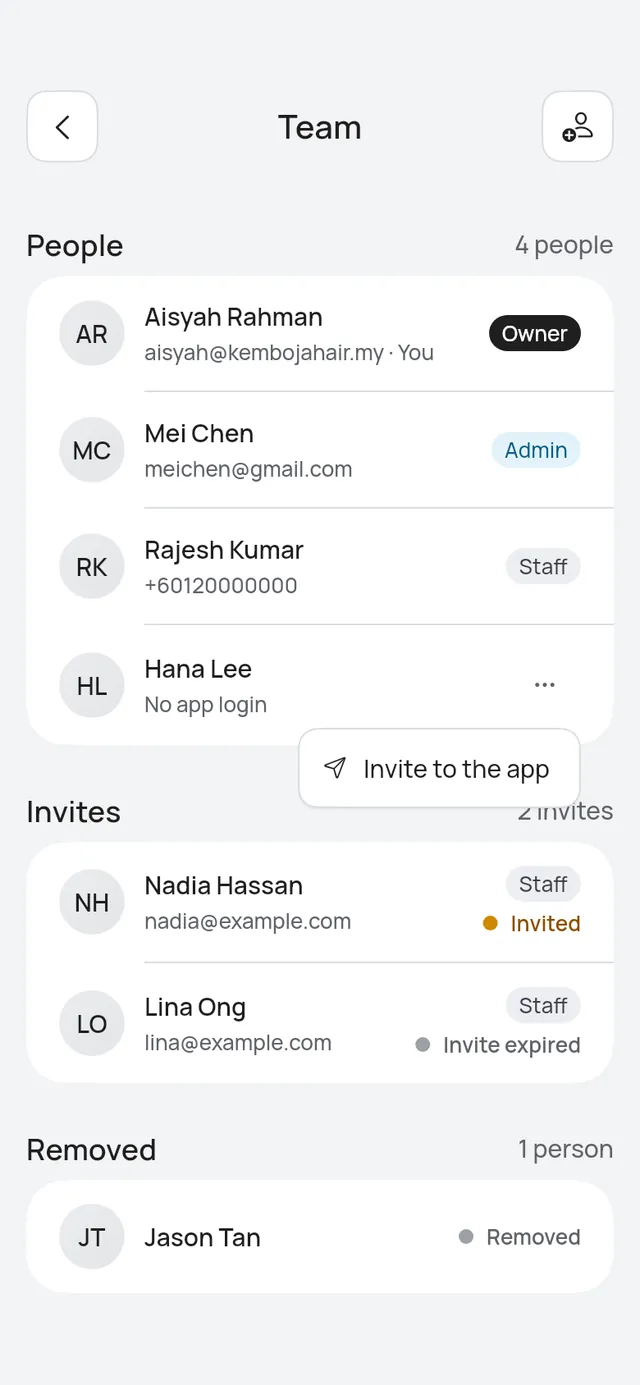
The app says the person was added. They show on Team with No app login.
Next steps
- Open the person to switch on their Services and set their Working hours. Until then, customers can’t book them. See A person’s hours and services.
- To give them a login later, tap … on their row and choose Invite to the app.
Is this your own profile
If you are the owner and your own profile isn’t linked to your login yet, a no-login person may be you. Their page asks Is this your own profile?. Tap This is my profile, then Yes, it’s me. Bookings with that person then show as your own.